Works in any app
Mail, Slack, Notes, a browser tab. Select text and press ⌘⇧E, or copy it first. You can change the shortcut in Settings.
 Quext
Download

Quext
Select a word or a paragraph and press ⌘⇧E. Quext explains it in your language, fixes your grammar or translates it, then puts the result back where it was.
Quext lives in the menu bar and opens over whatever you are working in. One key switches the mode, another flips the language.
Mail, Slack, Notes, a browser tab. Select text and press ⌘⇧E, or copy it first. You can change the shortcut in Settings.
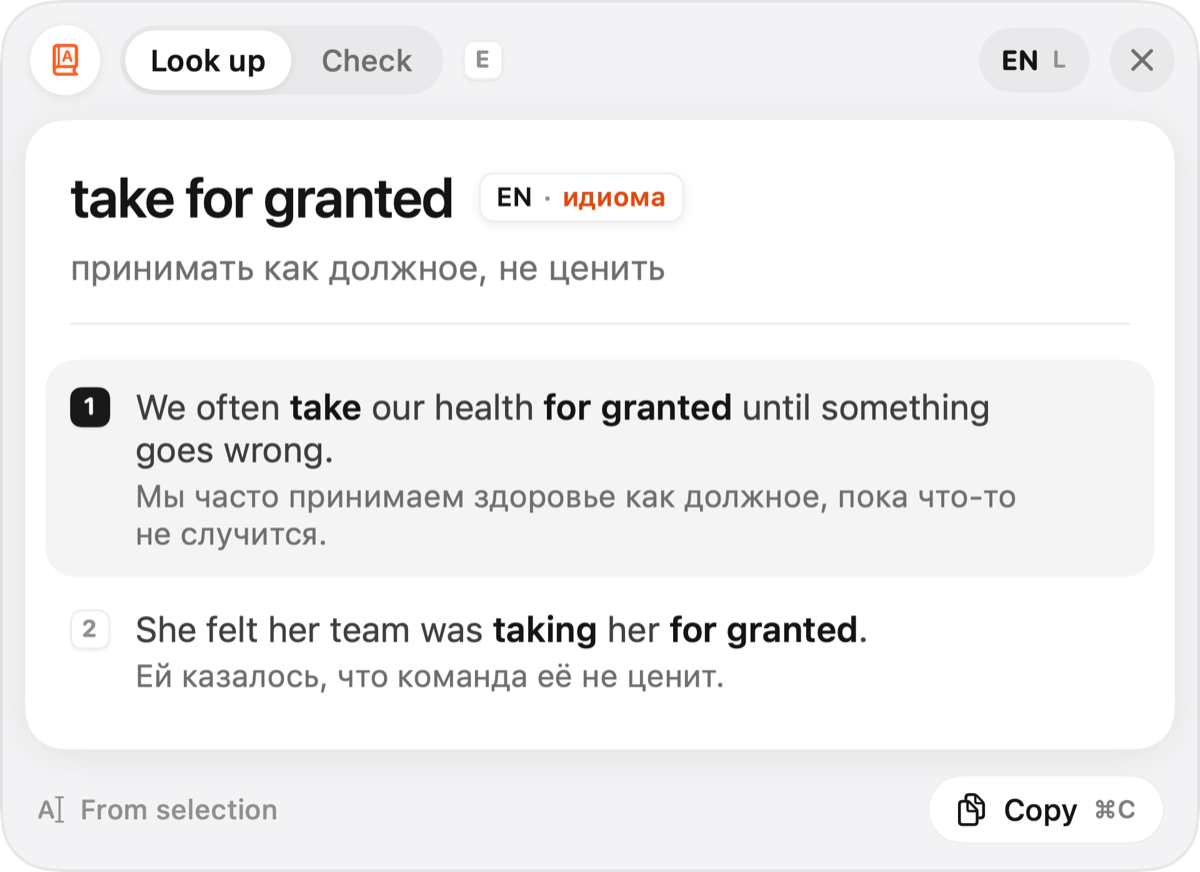
A foreign word or idiom gets its meanings in your language, each with an example sentence and its translation.
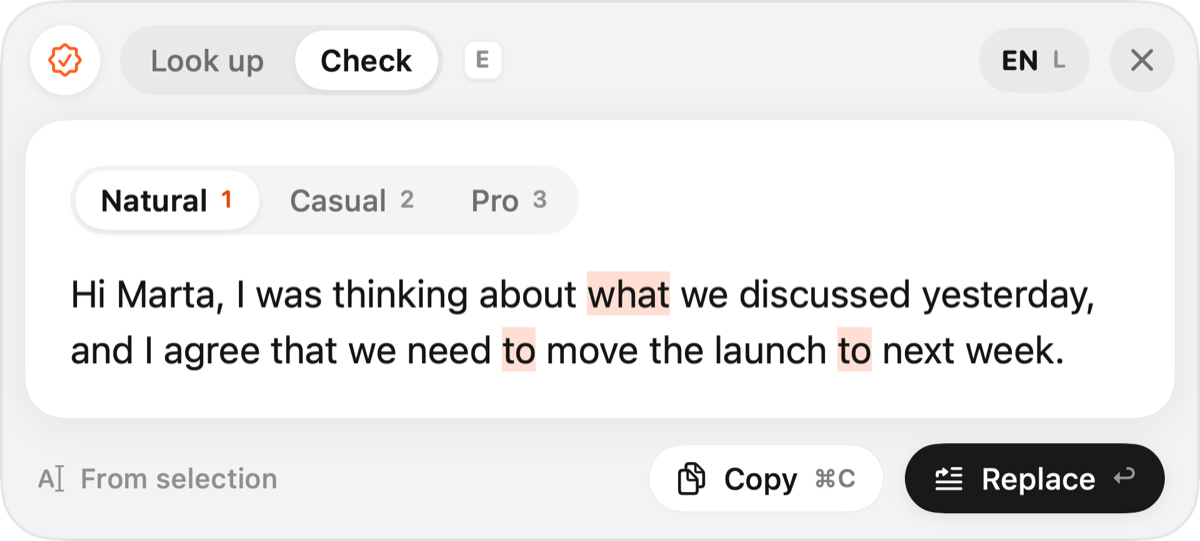
Fixes grammar and wording in the language you wrote in. Choose Natural, Casual or Pro, then press Return to replace your text.
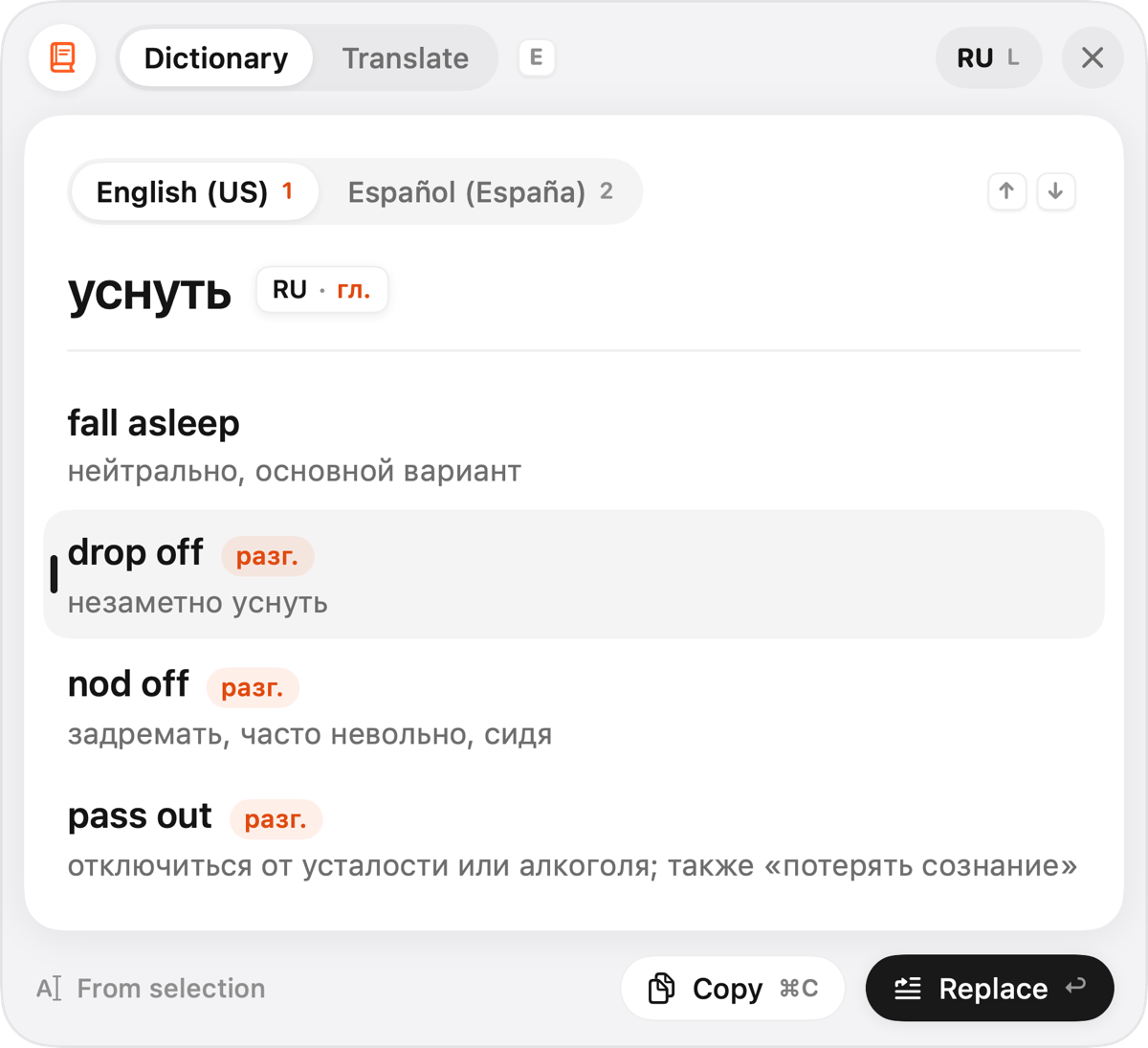
Stuck on a word mid-sentence? Type it in your own language and pick from the ways to say it, with notes on tone and usage.
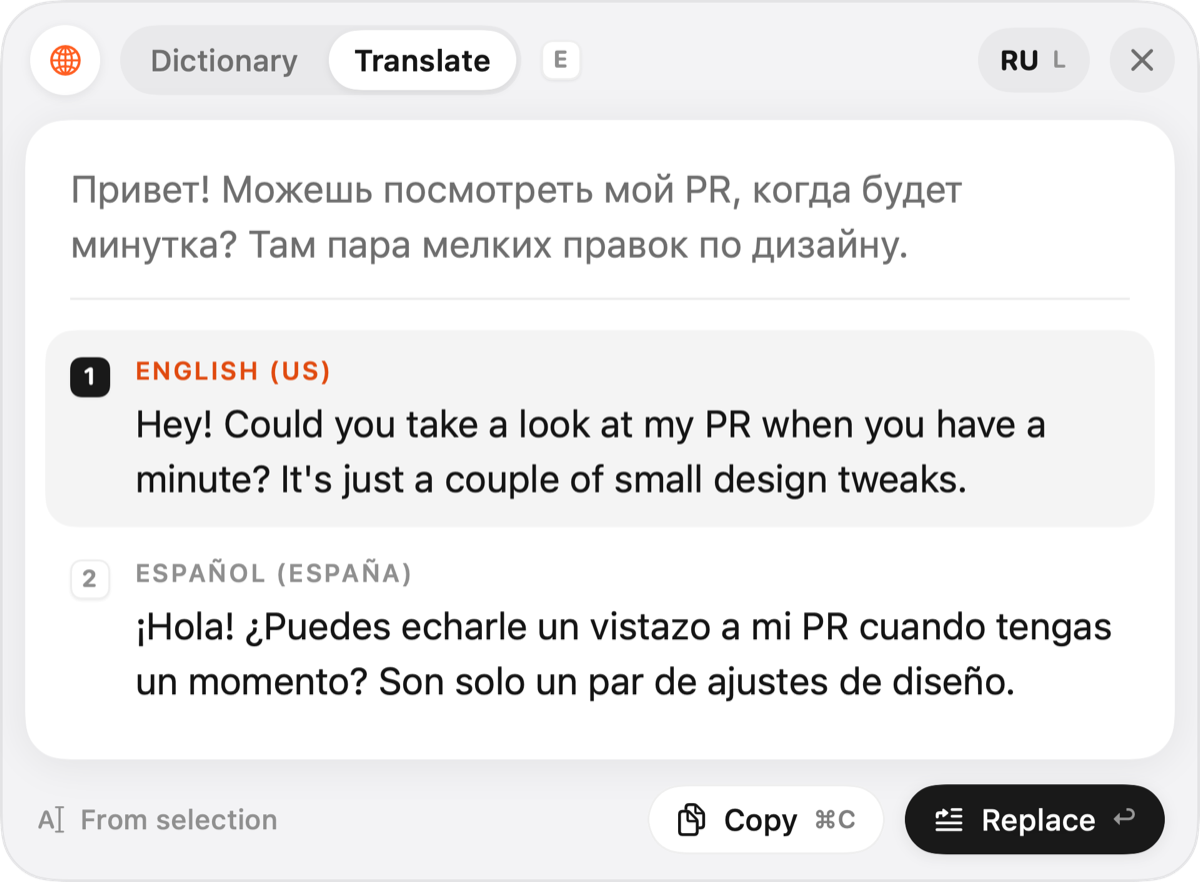
Your text in one or two foreign languages at once. Return pastes the translation over the original, ⌘C copies it.
Pick your own language and up to two foreign ones from 26. Quext sees which one you selected and opens the right mode.
Your text is sent to OpenAI for the answer and is never stored by Quext.

Download Quext, enter your code and pick your languages. That’s the whole setup.
Download for MacNo code yet? Ask for an invite